Your health logbook
One health log for any AI.
Your AI assistant forgets your training, nutrition and sleep between conversations. Nordek keeps them in one log that any assistant can read, so its advice builds on your real history.
The problem
Ask an AI for training or health advice and you start from zero. What you lifted last week, how you ate, how you slept: it isn't there, or it's scattered across apps and old chats. So you re-explain yourself, and the advice stays generic.
One central log
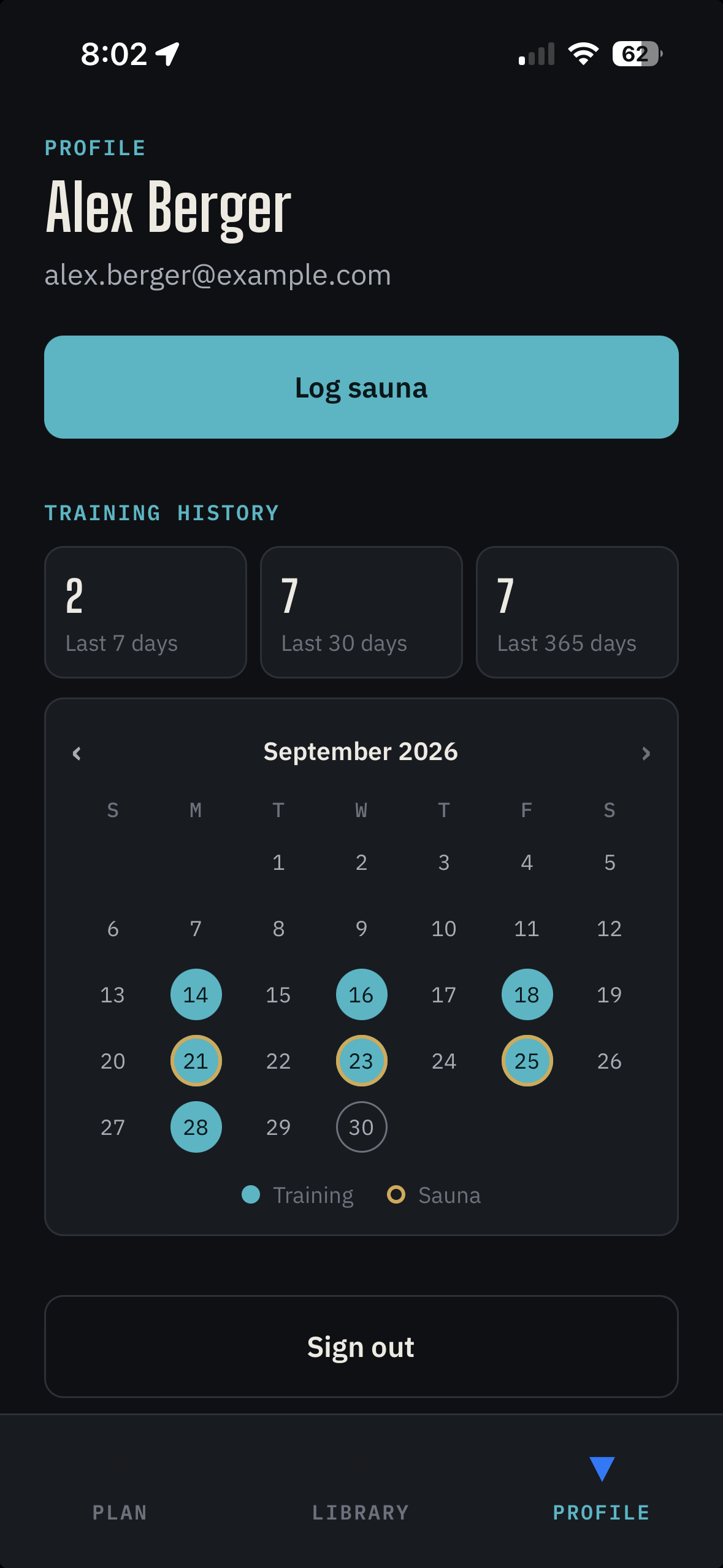
Nordek captures it once: workouts as you do them, nutrition and sleep from Apple Health, sauna visits with a tap. Connect it to the assistant you already use and it works from your actual data, in every conversation from now on.
You capture
- Sets you log
- Nutrition Apple Health
- Sleep Apple Health
- Sauna visits
Your AI
- Reads your history
- Writes your plan
- Adjusts it over time
A simple app, on purpose
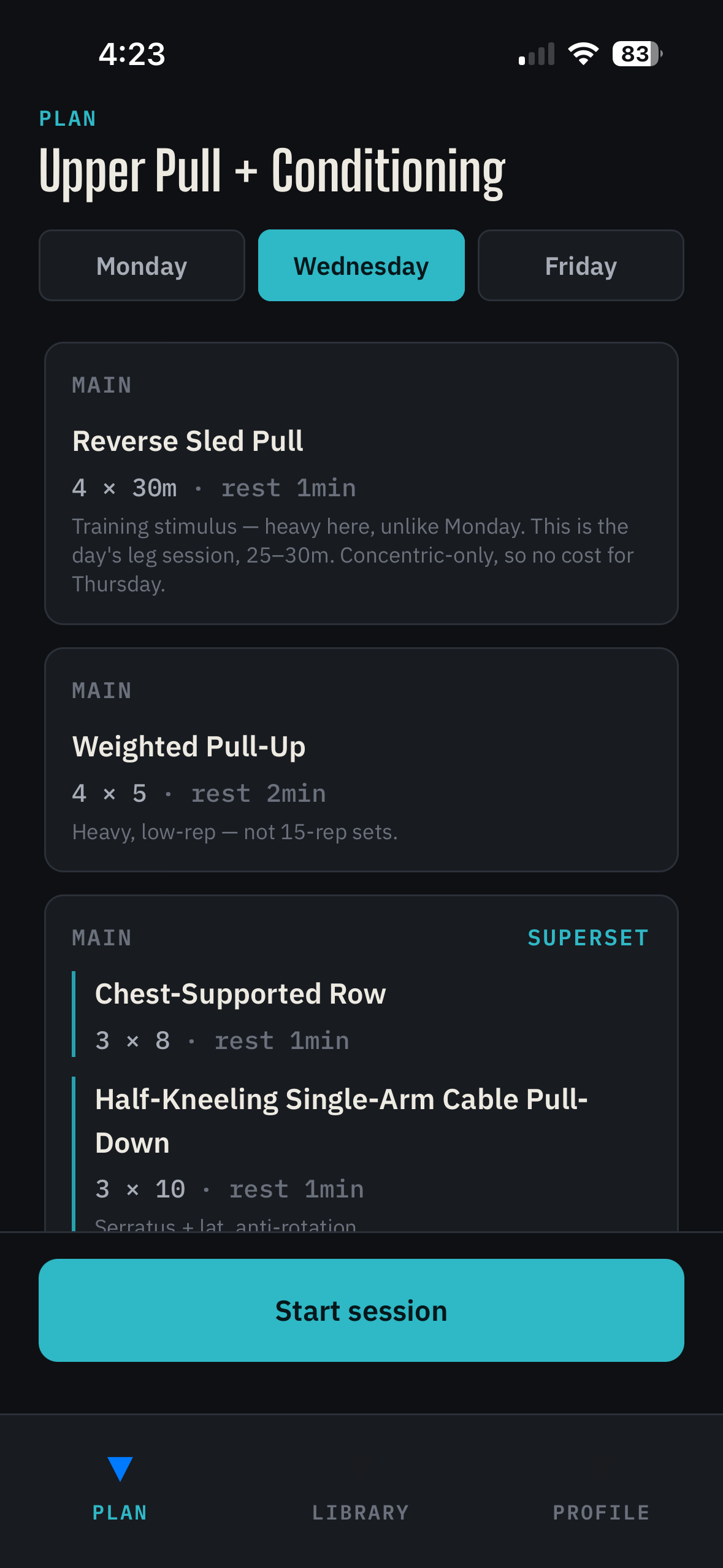
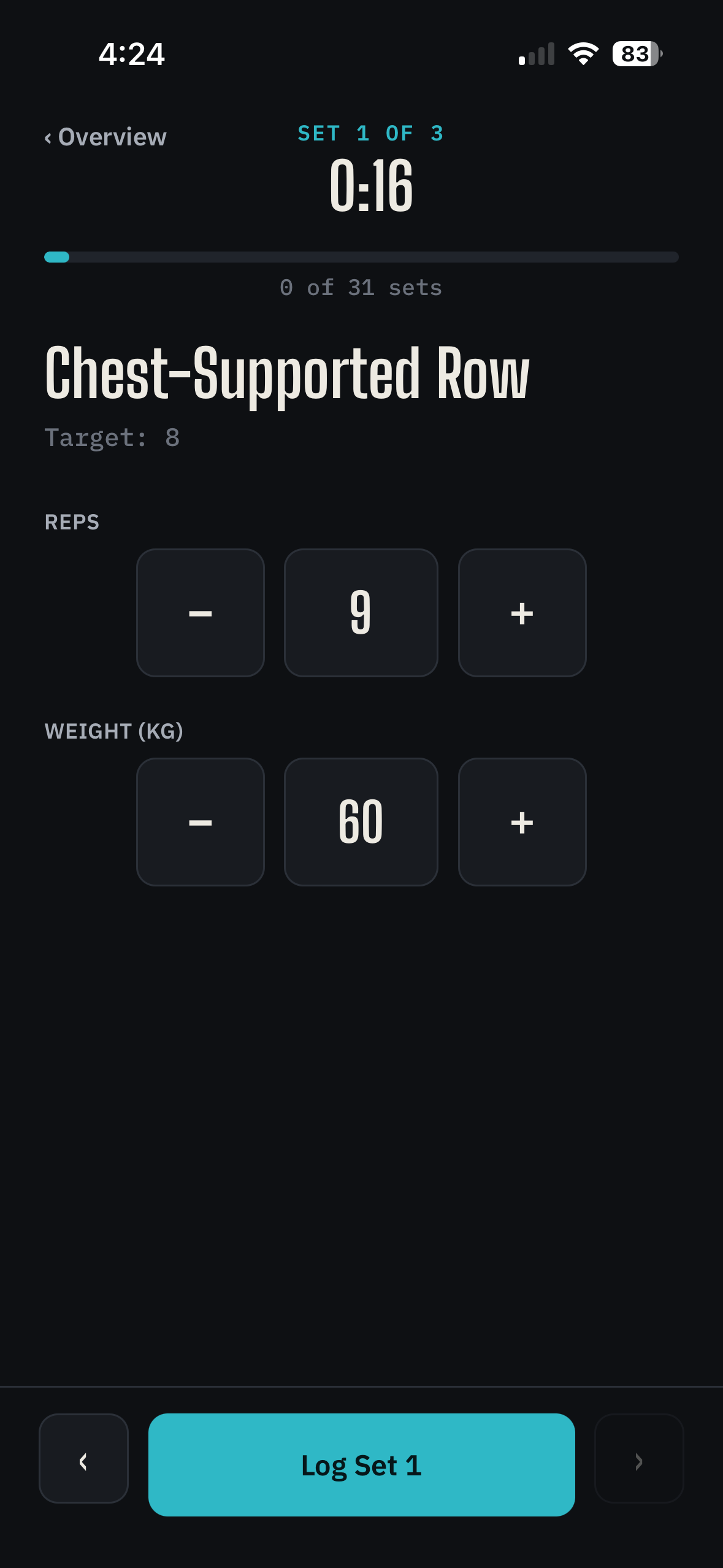
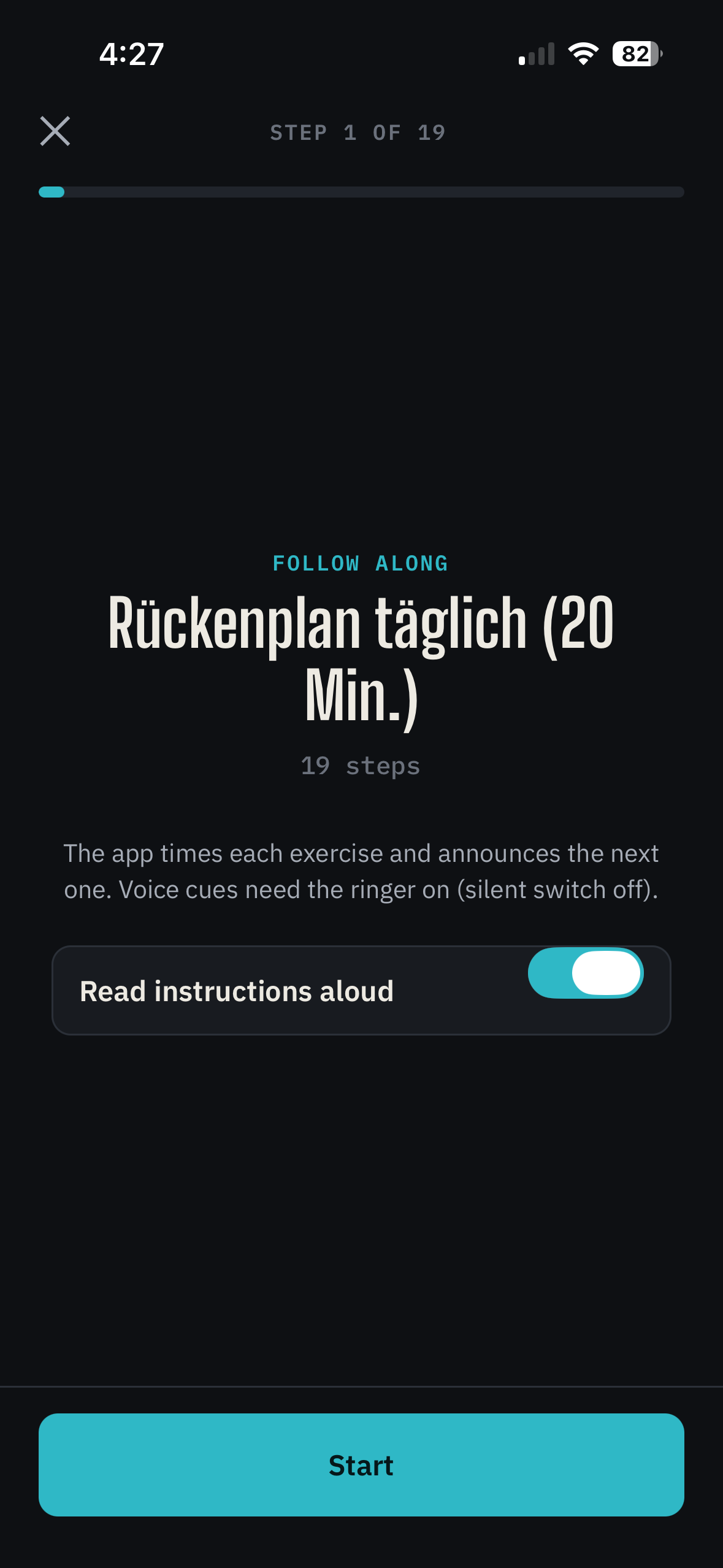
No plan editor, no charts, no settings maze. The app does the part a phone is good at, capturing what you do at the gym, and leaves the thinking to your AI.
Then ask your AI
Because it can read your log, your assistant can connect things you'd never piece together yourself: short nights before a flat session, protein on training days, how a lift has moved over a month. And when the plan should change, it changes it, and the app shows the new version at your next session.
Example conversation, shortened.
How it works
- 1Install the Nordek beta and sign in with Google.
iPhone: the link opens Apple's TestFlight app, which installs the beta.Android: download the file and allow your browser to install apps when asked. Nutrition and sleep sync from Apple Health is iPhone-only for now.
- 2Connect your AI assistant. Add this address as a custom connector (in Claude: Settings → Connectors → Add custom connector), then sign in with the same Google account.
https://nordek-mcp-250634812232.europe-west1.run.app/mcpOpens claude.ai with the connector filled in. Added once, it's on your Claude account, so it should also show up in the Claude app on your phone.
- 3Say “Create a Nordek plan”. Your assistant asks a few questions, then creates your profile and training plan.
- 4Log your sessions in the app. Nutrition and sleep sync from Apple Health.
- 5Ask your AI to analyze your log and adjust your plan.
Works with AI assistants that support MCP connectors. Tested with Claude.
What Nordek keeps
Training
Every set you log, and the plan it belongs to.
Nutrition
Calories, macros and micronutrients, read from Apple Health.
Sleep
Nightly sleep with core, deep and REM stages, read from Apple Health.
Sauna
Visits with duration and temperature, logged with a tap.
Profile & body
Goals, limitations and body measurements your AI collects while planning with you.
Blood tests
Markers and results over time.
Body scans
DEXA and similar body-composition results.
Other activities
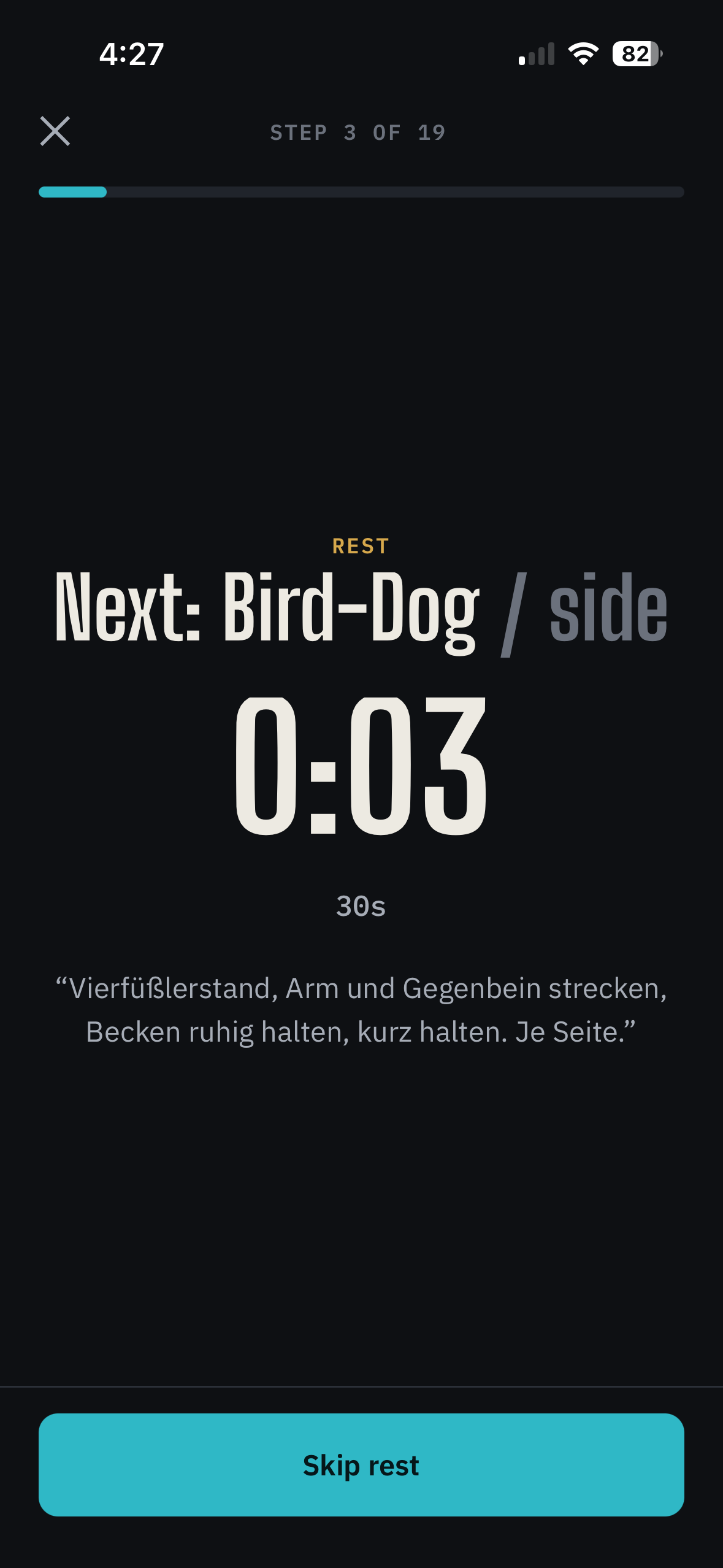
Mobility, sports, anything you want your AI to know about.
Why “Nordek”
Nord — north, the fixed point you steer by.
Dek — the deck, where a ship's log is kept.
Nordek is your logbook: one steady record of how you train, eat and sleep, so any AI that helps you navigate starts from where you actually are.
Your data, your call
Nordek only reads from Apple Health and never writes to it. There is no advertising and no analytics. Only the AI assistant you connect can read your log. Details in the privacy policy.